Adding Contacts Later Now Keeps Your Skip-Contacts Setting
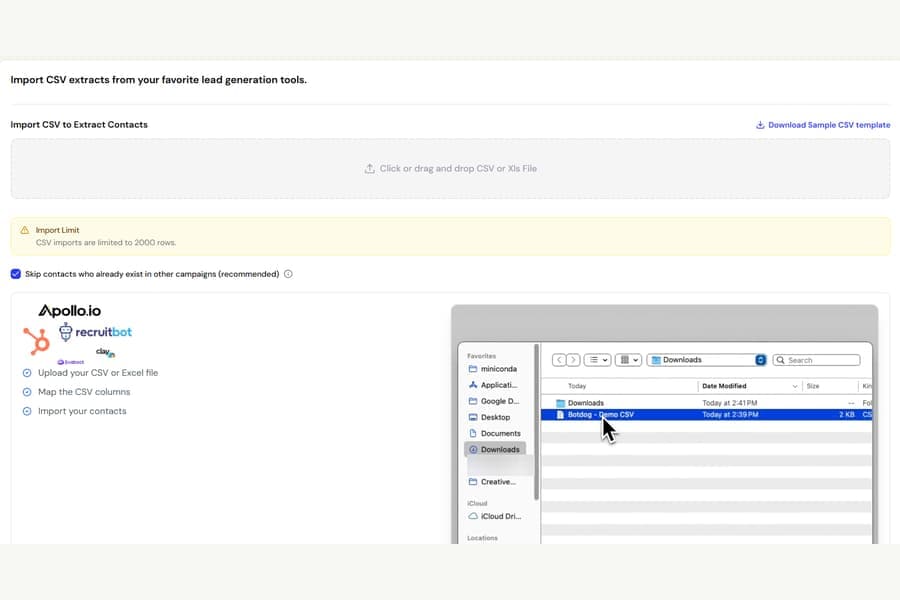
We fixed an issue where adding more contacts to a campaign could turn Skip contacts who already exist in other campaigns back on, even when you had originally turned it off.
What was happening
When you create a campaign, you choose whether Botdog should skip people who already appear in another campaign.
Once the campaign starts, that choice is locked and should stay the same.
However, if you later added contacts by:
- Uploading a CSV file
- Pasting LinkedIn profile URLs
Botdog could ignore your original choice and behave as though the skip setting was turned on.
That meant contacts already present in other campaigns could be skipped unexpectedly.
In some cases, the locked checkbox could also briefly show the wrong setting because the page was displaying an older saved state.
What changed
Adding contacts to an active campaign now always follows the setting you originally chose, no matter how you add them.
The locked checkbox also now shows the exact setting the campaign is actually using.
Adding contacts from LinkedIn Search, Sales Navigator, Recruiter, events, or posts was not affected.
If this happened to one of your campaigns
The setting may still be turned on for that campaign.
Contact Botdog support and we can switch it back off or help you check which contacts were skipped.