September 30, 2026
Contacts CSV export now remembers the columns you picked
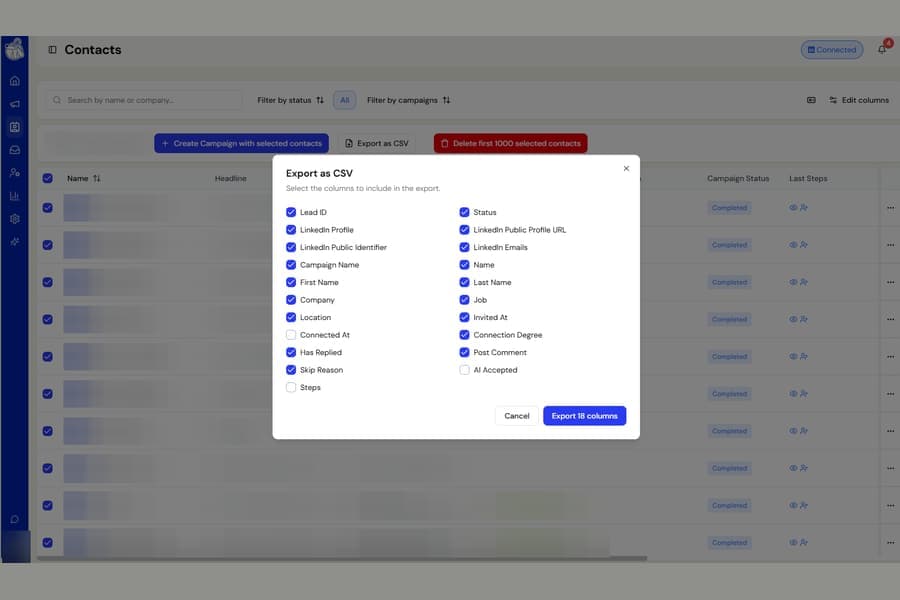
Exporting contacts is now quicker when you regularly use the same set of columns.
Previously, every time you opened Export as CSV on the Contacts page, the column selection returned to the default options. If you only needed certain fields, you had to choose them again every time.
What changed
When you export contacts, Botdog now remembers the columns you selected.
The next time you open Export as CSV:
- The same columns are already selected
- Your preference follows your account across different computers and browsers
- You can export again without rebuilding the same column selection
Your preference is saved only when you complete an export.
If you change the selected columns and then click Cancel, Botdog keeps the column choices from your previous successful export.
If you have never exported before, you will still see the usual default columns. After your first export, Botdog uses your own selection.