Edit a template you saved and update its steps
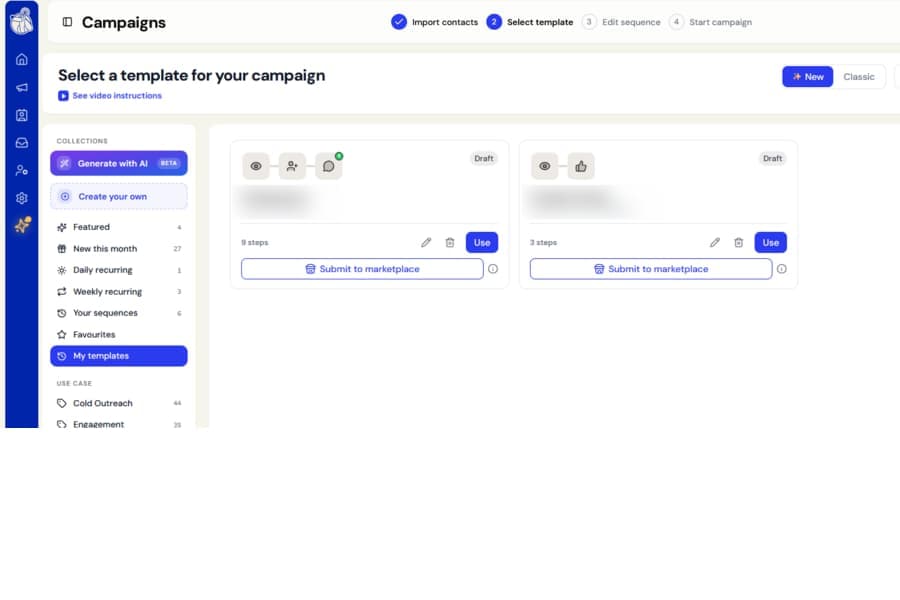
You can now update the actual sequence inside any template you have created.
Previously, after saving a sequence as a template, you could only publish or resubmit it. The steps themselves could not be changed.
Open templates in the sequence editor
Every template under My templates now includes an Edit button.
Selecting it opens the template in the same sequence editor used to build a campaign, so you can change its steps and messages directly.
Update the same template
While editing, the top bar shows Update template instead of Save as template.
This means your changes are saved back to the original template rather than creating a duplicate.
Published templates are reviewed again
If you edit a template that is already published in the public gallery, saving it sends the updated version for review.
The current published version remains in place until the new version has been checked and approved.
Draft templates simply save your changes without going through review.