Invitation problems now tell you what went wrong
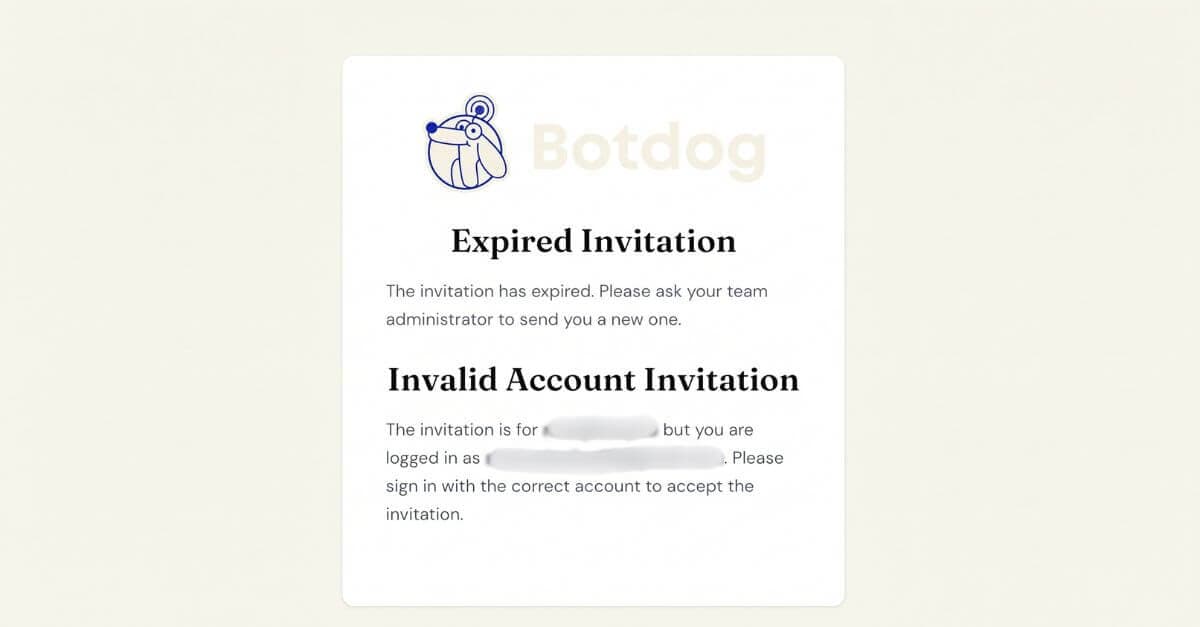
We have improved the messages shown when joining a team does not work, so you can see what went wrong and what to do next.
Previously, every problem showed the same message: There was an error accepting your invitation
This made it difficult to know whether the invitation had expired, the team was out of seats, you were signed in with the wrong account, or something else was blocking the join.
What you will see now
Botdog now shows a message that matches the actual problem:
- Out of seats: the team has no seats available, and your admin can free one up or add another
- Wrong account: the invitation was sent to a different email address, so you need to sign in with the invited account
- Expired, revoked, or already used: the message tells you which one happened, so you know whether to ask for a fresh invitation
- Already on a team: you will be asked to leave your current team before joining another one
One less false alarm
We also fixed a case where joining the team actually worked but Botdog still showed an error.
After someone joins, Botdog sends a notification email to the person who invited them. If that email failed, the whole join process could incorrectly be shown as failed, even though the new member had already joined the team.
Joining a team no longer depends on that email being sent successfully.
If something unexpected still goes wrong, Botdog will continue to show a simple general message rather than exposing technical details.