June 9, 2026
Reopen Completed Campaigns by Adding New Contacts
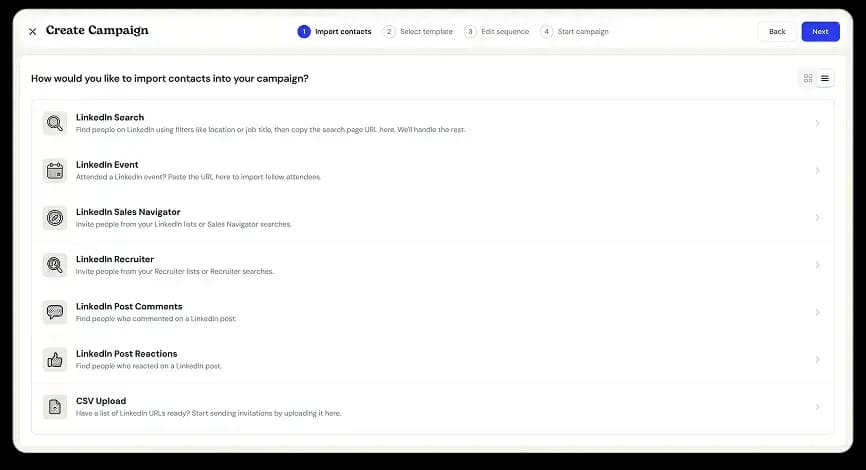
Once a campaign finished, it was closed for good. Reaching more people with the same sequence meant rebuilding the campaign from scratch.
Now you can add contacts directly to a completed campaign. Open the campaign’s menu, choose Add Contacts, and import them however you like: CSV, LinkedIn profile links, or a LinkedIn search. The campaign moves back to Active, runs the sequence for just the new contacts, then returns to Completed when they’re done.
Contacts from the earlier run won’t be messaged again, and all your previous results and activity history stay intact. New contacts simply appear alongside them.
Nothing changes for running, paused, or draft campaigns; you could always add contacts to those.

