Settings Now Update When You Switch Team Members
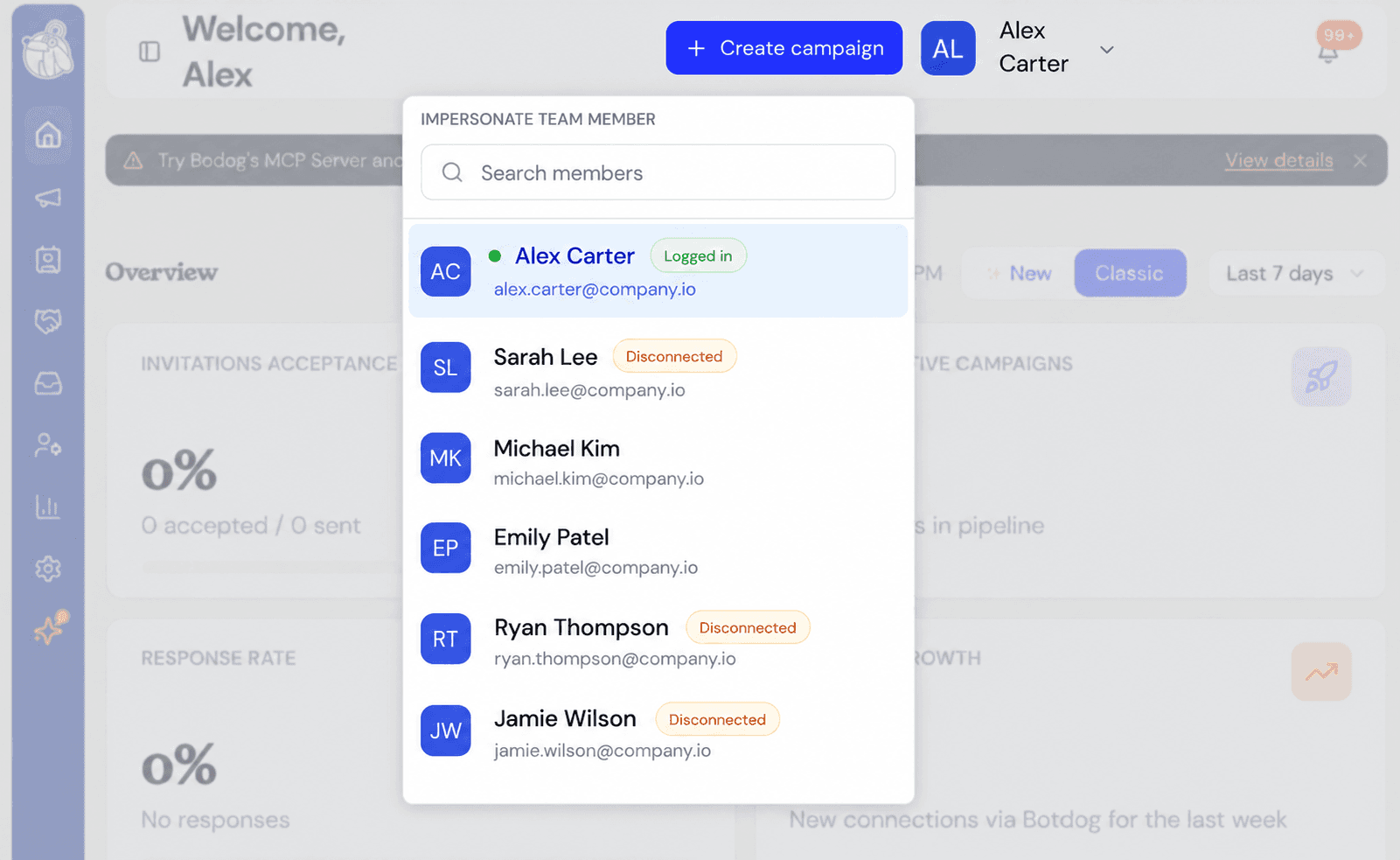
We fixed an issue where some Settings pages did not refresh correctly after switching between team members.
What was happening
Your dashboard, campaigns, and other areas changed to the selected team member straight away.
However, the Team and Billing settings pages could keep showing information from the account you were previously viewing.
For example, after switching back to your own account, you could still see:
To access this page, you must first switch back to your own account
even though you already had.
Refreshing the browser was the only way to correct it.
What changed
Team and Billing settings now update immediately when you switch accounts.
- Switch back to your own account and Team and Billing open normally
- Switch to a teammate’s account and those pages correctly ask you to switch back first
This also helps prevent accidental changes to billing or team settings while you are viewing someone else’s account.
If you do not switch between team members, nothing changes for you.