Snippets: insert merge tags with one click, see a live preview
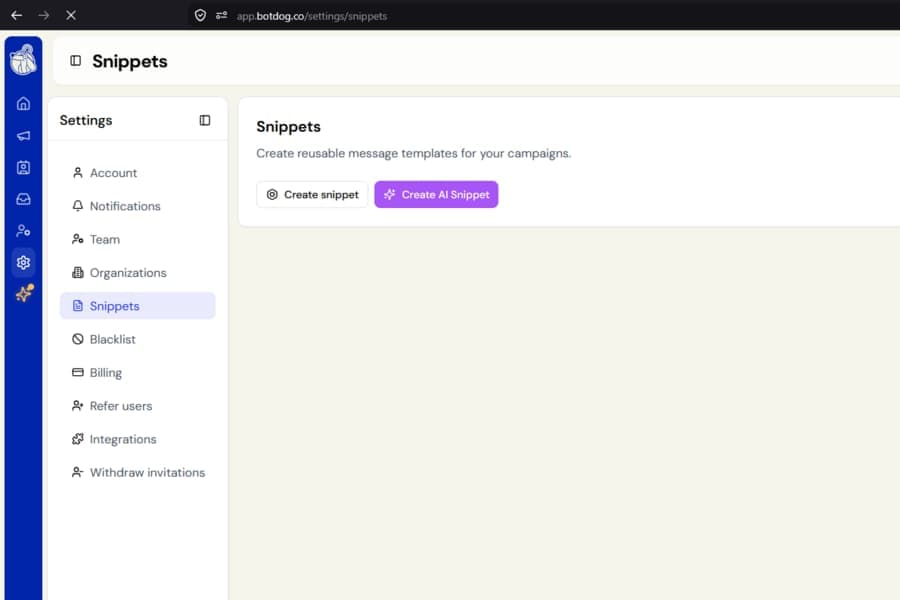
Writing personalised snippets is now easier.
The snippet editor under Settings > Snippets > Create / Edit snippet now includes clickable tags and a live preview, so you can build personalised messages without remembering the exact tag format.
What is new
You will now see clickable tag chips below the content box.
Select a chip and Botdog inserts the correct merge tag exactly where your cursor is, so there is no need to remember the syntax.
Snippets now support:
- First name
- Last name
- Full name
- Company
- Title
- Custom field 1
- Custom field 2
- Custom field 3
Previously, only first name and last name could be used.
Preview your snippet before using it
A live preview appears below the tags and shows how your snippet will look with sample information filled in.
The preview updates as you type, making it easier to spot mistakes before using the snippet in a conversation.
AI snippets now get the same clickable tags and preview for the prompt you are creating. A note also reminds you that the final AI reply is generated when the snippet is actually inserted.
Your existing snippets still work
Nothing changes for snippets you already created.
The existing single-brace format, such as {firstName} and {lastName}, will continue to work as before.
If a snippet contains a tag Botdog does not recognise, the preview will leave that tag visible instead of replacing it. This makes it easier to spot and correct.
You can then click the matching tag chip to insert the correct version.