June 4, 2026
Unified Inbox: Faster, Smoother, and More Consistent
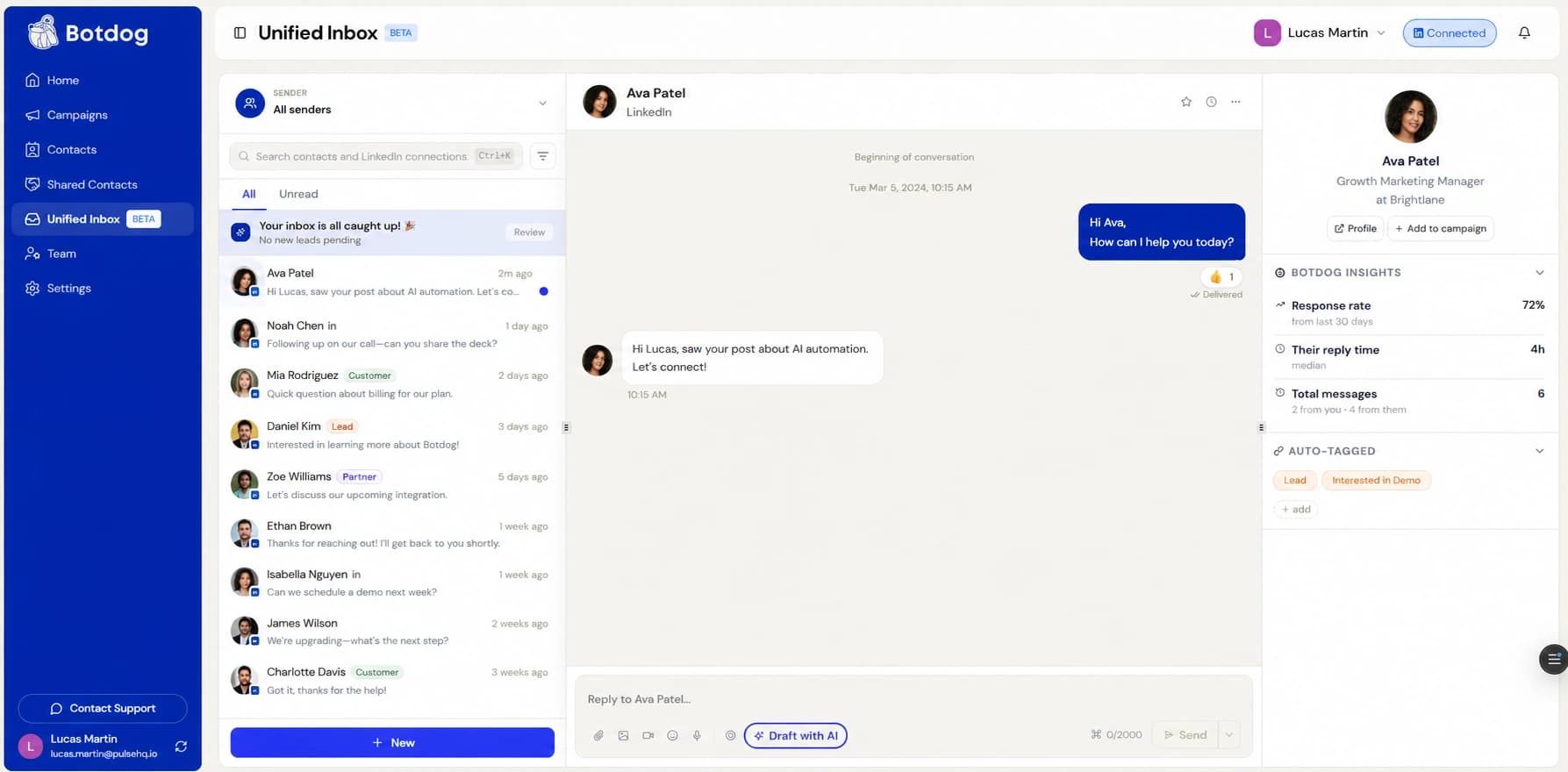
We’ve shipped a round of improvements to the Unified Inbox, making it quicker to open, smoother to scroll through, and more consistent across the board. Here’s what changed:
Speed and smoothness
- Scrolling through long conversation lists is now smooth even with hundreds of conversations loaded. So conversations render as you scroll near them instead of all at once.
- Opening a single conversation from a shared link or a contact’s side panel is faster, especially for teams with several connected accounts.
- Busy threads with lots of messages stay responsive as you read and reply.
- Actions like muting, archiving, marking unread, and sending register more quickly.
- Returning to your inbox or a conversation no longer reloads from scratch every time.
Team inboxes
- Conversations are now fetched in a single pass and shown newest-first across everyone, instead of gathered teammate-by-teammate.
- Only the conversations actually on screen are fully prepared, so the list is ready sooner regardless of team size.
- The Unread tab now fetches only your unread conversations directly, so it stays full and quick to open.
Bug fixes
- Smart labels like “Hot lead” or “Awaiting reply” no longer flicker when you switch between All and Unread or change filters.
- The inbox no longer shows just a handful of conversations when many more exist — it now keeps loading more as you scroll, even when a page of results is mostly filtered out by your visibility settings.
- Conversations are now matched to the contact on their own account, so they show the right name, photo, and labels — and are no longer hidden by a teammate’s matching contact.
- Labels added to a shared conversation now stick for the whole team, not just for you.
New Message search now respects “Show only contacts”
- With Show only contacts on, the New Message search now shows only your contacts and hides the All / LinkedIn tabs — so you can no longer start a conversation that wouldn’t appear in your inbox.
- Turn the setting off to search all your LinkedIn connections again.
Nothing to set up — just open your inbox!