Bug Fixes: Campaign timing, notifications, and inbox accuracy
We’ve shipped three fixes this week that make campaigns move faster and keep your notifications and inbox more accurate.
Invitation acceptances now advance the campaign immediately
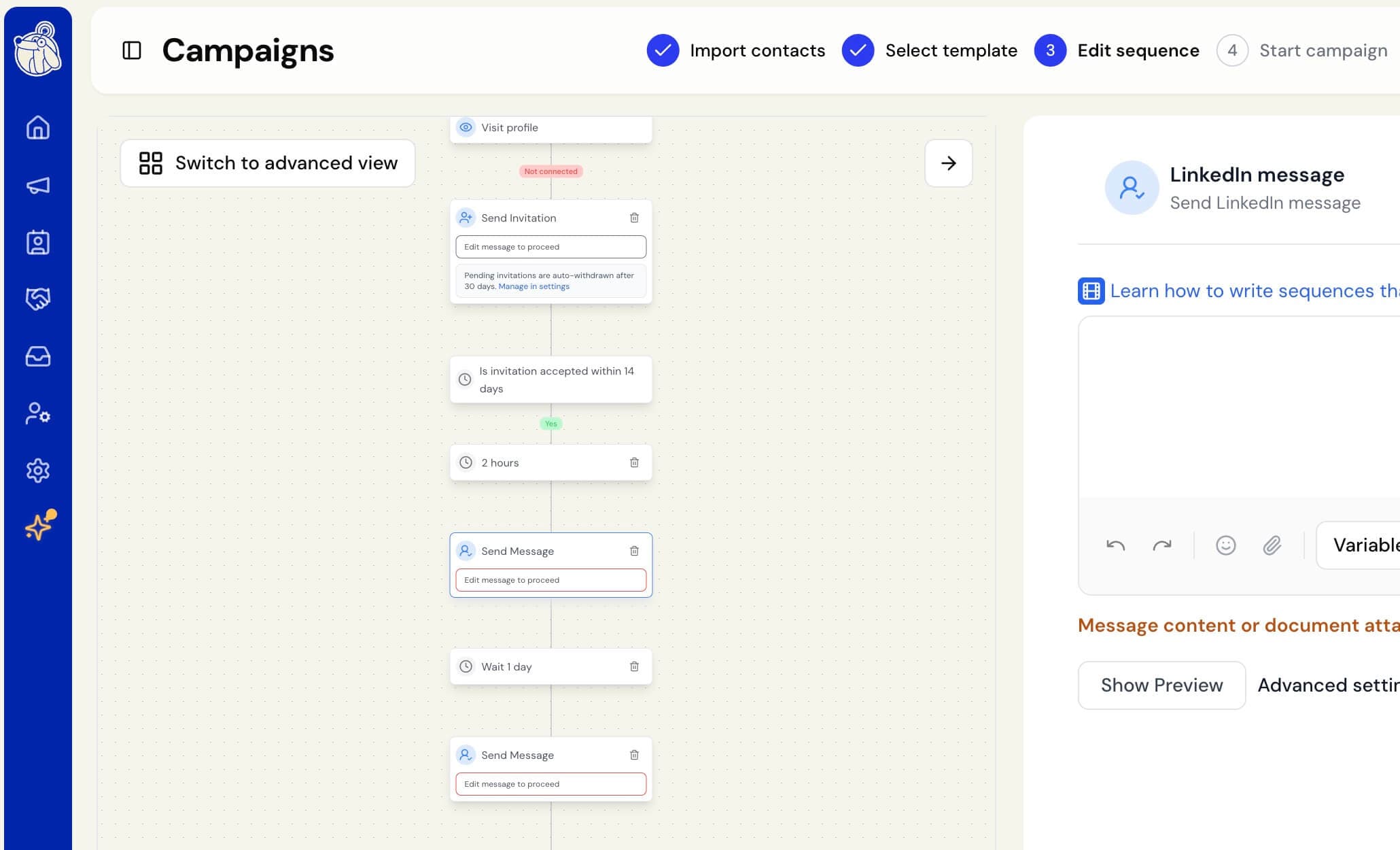
Previously, when a contact accepted your invitation, they’d show as Connected in your contacts right away — but the campaign itself only found out during a background check that ran every few hours. So a contact could accept in the morning and their next step wouldn’t start until the afternoon. In rare cases, if that background check stopped running, the campaign never found out at all, and the contact would sit on “Wait for Response” indefinitely with their follow-up never sent.
Acceptances now move your campaign forward within seconds instead of hours, and the background check still runs as a safety net so nothing gets missed if anything goes wrong. Contacts can no longer get stuck waiting after they’ve already accepted.
This doesn’t make your messages go out any sooner than you asked — any delay you’ve set between an acceptance and your next message still applies in full. The only thing that’s changed is when the clock starts. This applies automatically to all running campaigns; there’s nothing you need to do.
Fixed the wrong name in lead-reply notification emails
The email you get when a lead replies used to open with the name of whoever was signed in to the workspace — so on a shared inbox, a teammate could get an email greeting them by the wrong name. The greeting now uses the name of the account the reply came in on, matching the “To …” label at the top of the email. On your own notifications, where there’s no separate account to name, it still greets you by your first name.
Fixed replies staying marked unread after you answer them
A contact’s reply could keep showing as unread even after you’d already written back — only opening the conversation cleared the marker, not replying to it. Sending a reply now clears the unread status everywhere at once: the dot on the contact, the “unread messages” filter, and the Unread folder in your inbox. This applies whether you reply from the inbox or from a contact’s profile.