Fixed missing conversation history for some contacts
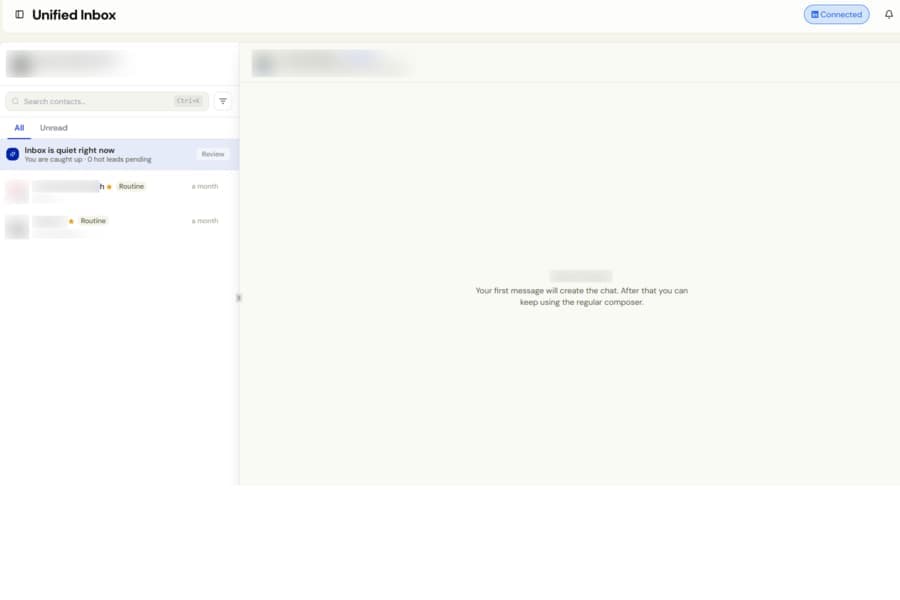
We fixed an issue where some contacts could show No messages yet or an empty conversation, even when you had already exchanged messages with them.
For example, a contact who had replied Yes, I’m interested could still appear to have no conversation history. This affected both new and older contacts.
What was happening
If LinkedIn was temporarily unavailable or busy when you opened a contact, Botdog could incorrectly assume that the conversation had been deleted.
This caused the saved connection to that conversation to be removed. Once that happened, the conversation could remain blank every time you reopened the contact.
What changed
Botdog can now tell the difference between a conversation that has genuinely been deleted and a temporary LinkedIn connection issue.
A brief LinkedIn interruption will no longer cause Botdog to lose the link to an existing conversation.
When a saved conversation cannot be reached, Botdog now searches for the active LinkedIn conversation again and reconnects it automatically. This means previously missing message history can return without you needing to do anything.
If a conversation cannot be loaded temporarily, you will now see a clear message explaining that it could not be loaded, along with a Retry button, instead of an empty conversation panel.
This improvement applies to:
- Classic LinkedIn conversations
- LinkedIn Recruiter conversations
- Sales Navigator conversations
Once a contact’s conversation has been restored, it will load normally the next time you open it.