Fixed: Unified Inbox Looked Empty on "All Senders"
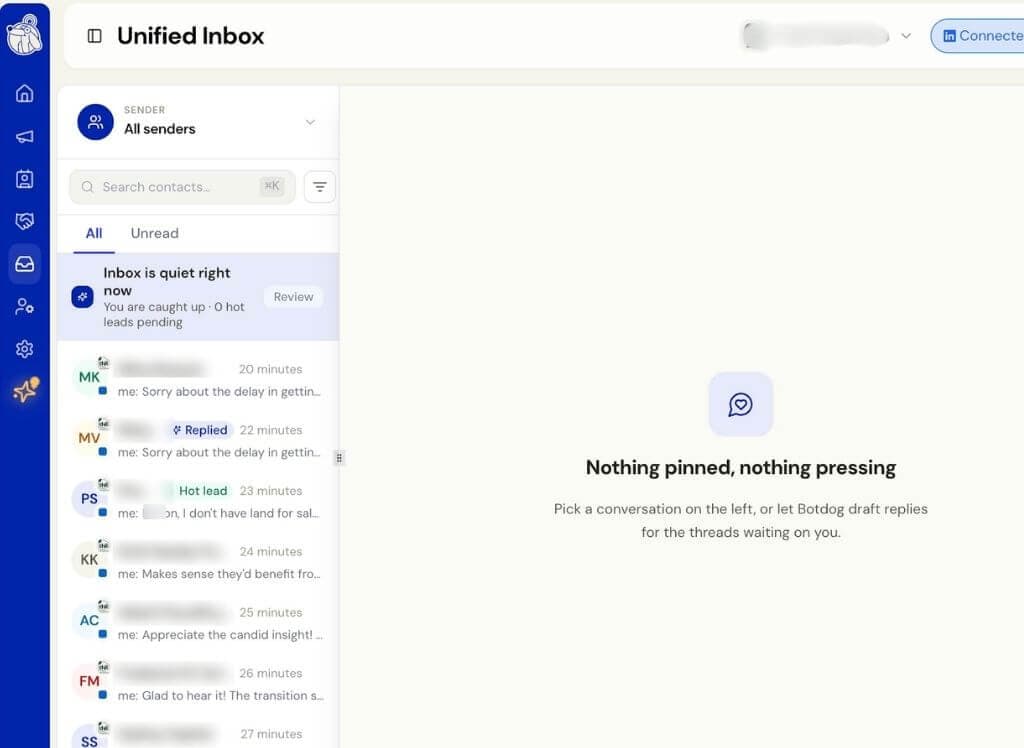
We fixed an issue in the Unified Inbox that could make All senders show No conversations found, even when conversations were available.
This mainly affected teams with several connected LinkedIn senders.
What was happening
The Unified Inbox loads conversations a page at a time, starting with the newest activity across the team.
If one of those pages contained only LinkedIn conversations that were not part of your contacts, there was nothing to display after filtering. The inbox could then stop loading instead of continuing to the next page.
This was more noticeable on busy teams with more connected senders.
What changed
The inbox now keeps loading until it finds conversations that can be shown.
This means All senders will now fill in automatically instead of appearing empty when matching conversations exist.
Nothing has changed in your settings, and there is nothing you need to update.