Improvements: Template navigation and faster conversation loading
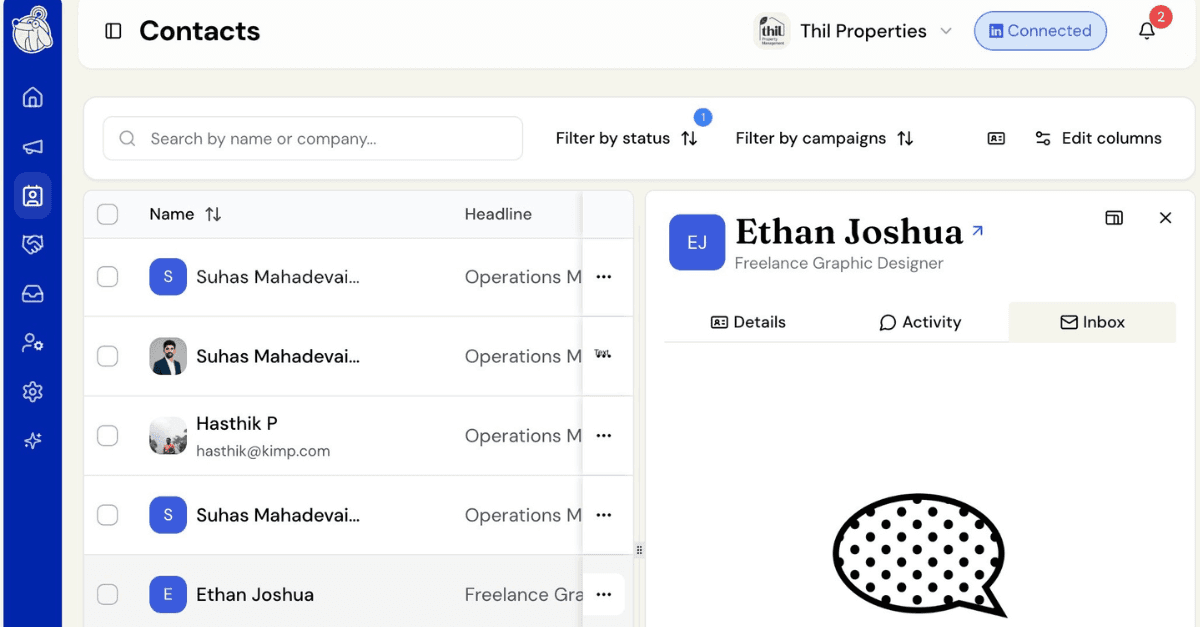
This week’s improvements make browsing templates smoother and speed up how contacts with deleted conversations load.
Template categories are now shareable links, with icons for every category
When picking a template for a campaign, the category you select in the left menu now sticks to the page address. Select a category — say, a use case or industry — and the link updates, so you can bookmark it or share it with a teammate and land right back on that same list. Reloading the page keeps your selection instead of jumping back to Featured. Every category in the lefthand menu also now shows a small icon next to its name, including newer ones, which use a default icon until a specific one is chosen.
Faster loading for contacts whose conversation was deleted
Opening a contact whose LinkedIn conversation had since been deleted or moved used to take several seconds, and it stayed slow every time you reopened that contact. Opening a contact in this situation now feels noticeably quicker. The first time we detect that a contact’s saved conversation no longer exists, we clean up the stale link automatically, so the next time you open that contact, it loads right away. If a new conversation with that person turns up later, we’ll pick it up and show it as usual.
This applies across classic, Recruiter, and Sales Navigator conversations. We only clean up a saved conversation once we’re confident it’s really gone, so a brief LinkedIn hiccup won’t cause us to drop a conversation you can still reach.

