Know the moment a LinkedIn account disconnects
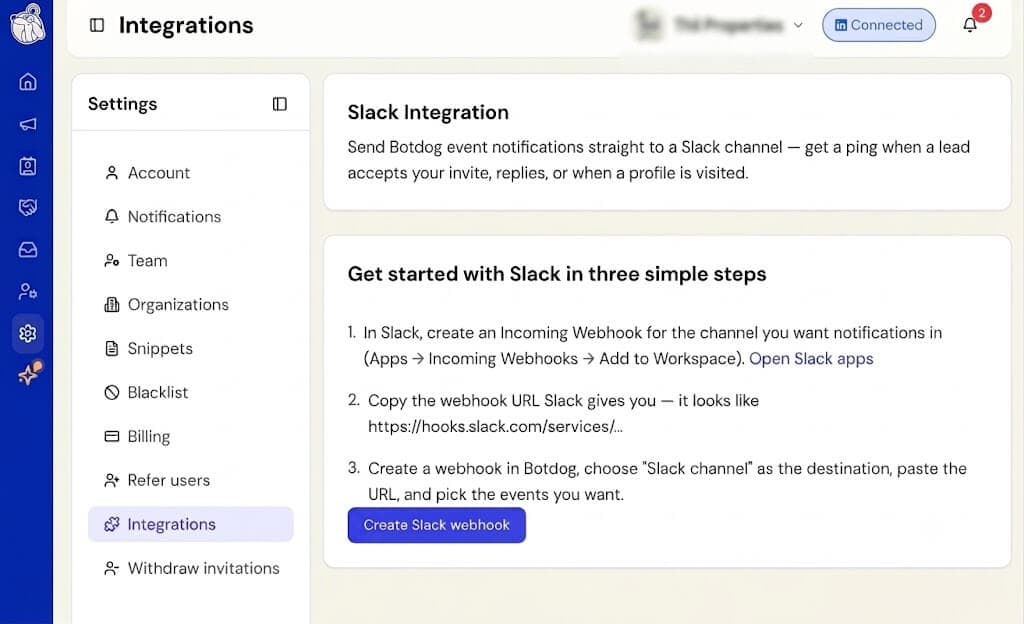
Until now, the only heads-up you got when a LinkedIn account lost its connection was an email to the person affected. If you’re managing a team, there was no fast way to know when a teammate went offline.
Now you can send those alerts straight to Slack. In Settings → Account, under your LinkedIn account, add up to 2 Slack channels using Slack Incoming Webhook links. From then on, whenever an account on your team disconnects, you’ll get a message like “Botdog Alert: LinkedIn account disconnected for Jane Doe.”
Working solo? Add your own Slack link and you’ll get the same alert for your account.
A few things worth knowing: we wait a short while and re-check the connection before sending anything, so a brief blip that clears up on its own won’t trigger an alert. You’ll get one alert per disconnection. If the account reconnects and drops again later, that counts as a new event. And if you ever want to turn this off, just clear the Slack fields.
This new feature can be set up by the account owner and applies to everyone on the team.

