June 19, 2026
Messages With Line Breaks Were Being Skipped Instead Of Sent
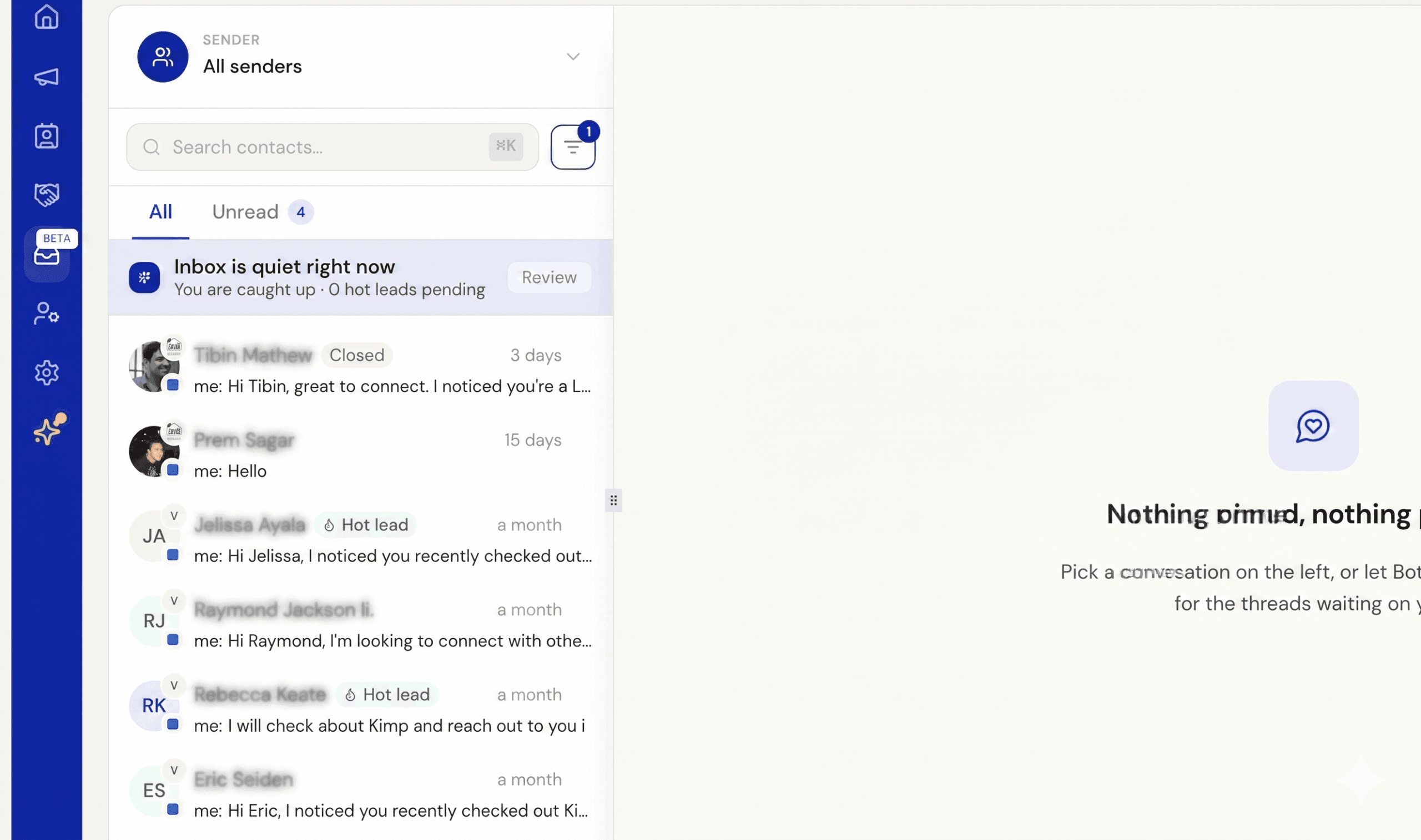
We fixed an issue where messages containing line breaks would silently fail to send, with the step marked as skipped instead.
This mostly affected messages built from spreadsheet or CSV uploads, when a multi-paragraph message was pasted into a column and used in a sequence, Excel and similar tools add hidden formatting characters around line breaks that LinkedIn rejects, so the message was never delivered.
Line breaks and blank lines between paragraphs now come through cleanly. If you used \n to represent a line break, those now render as actual line breaks instead of appearing literally in the message your contact receives. Extra blank lines are also tidied up so spacing stays consistent.