June 19, 2026
Duplicate Badge Now Shows Which Campaign A Contact Already Belongs To
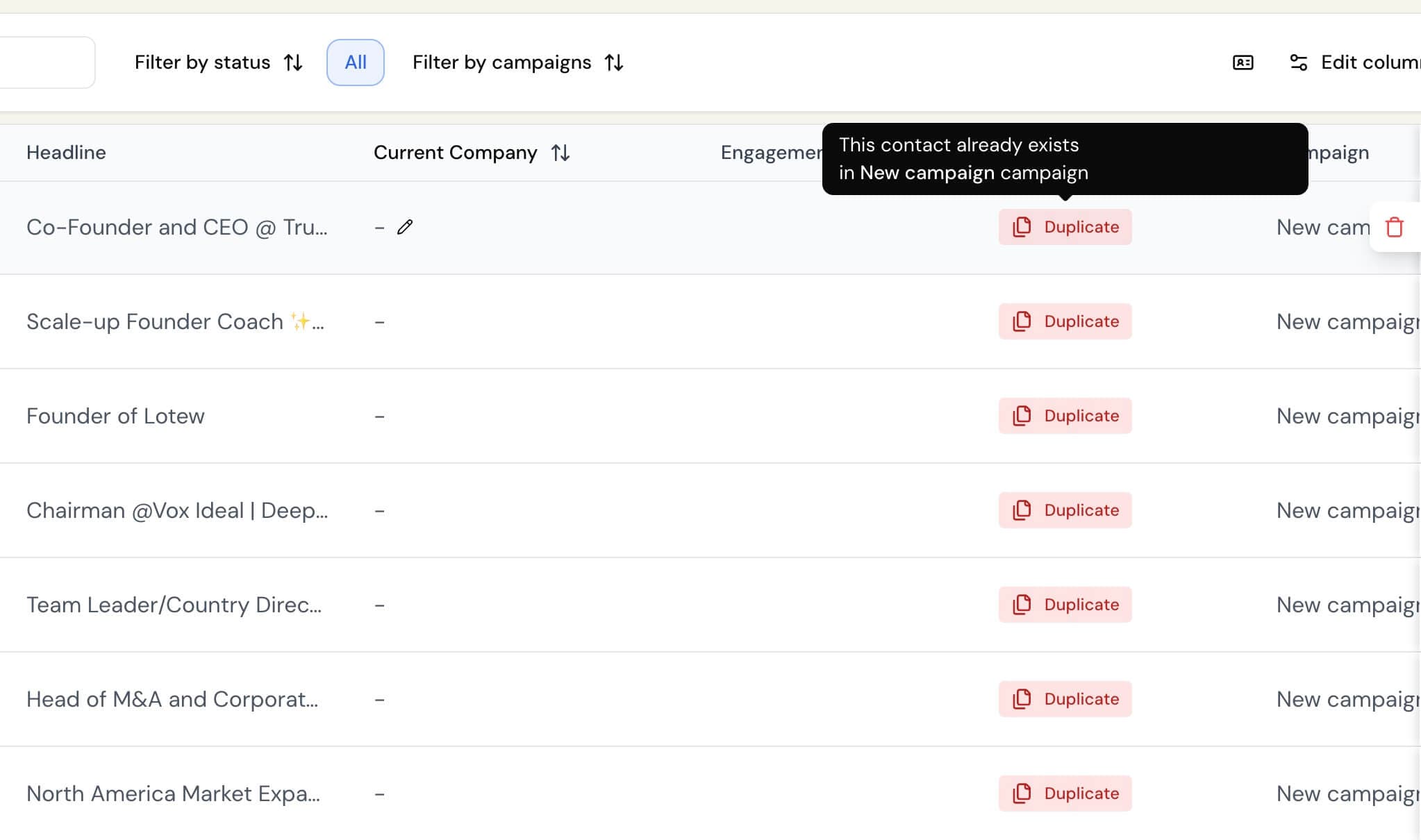
On the Contacts page, hovering over a Duplicate badge now tells you exactly which campaign that contact is already in, not just that it’s a duplicate.
Previously the tooltip only said “This contact already exists in another campaign,” which meant you knew something was off but had to go hunting to find out where. Now it names the campaign directly (e.g., “This contact already exists in Spring Outreach campaign”). If the contact appears in more than one of your campaigns, all of them are listed.
If the campaign name can’t be retrieved for any reason, the tooltip falls back to the original wording so you’ll always at least know why the contact was skipped.