June 14, 2026
Sort and filter templates in the campaign gallery
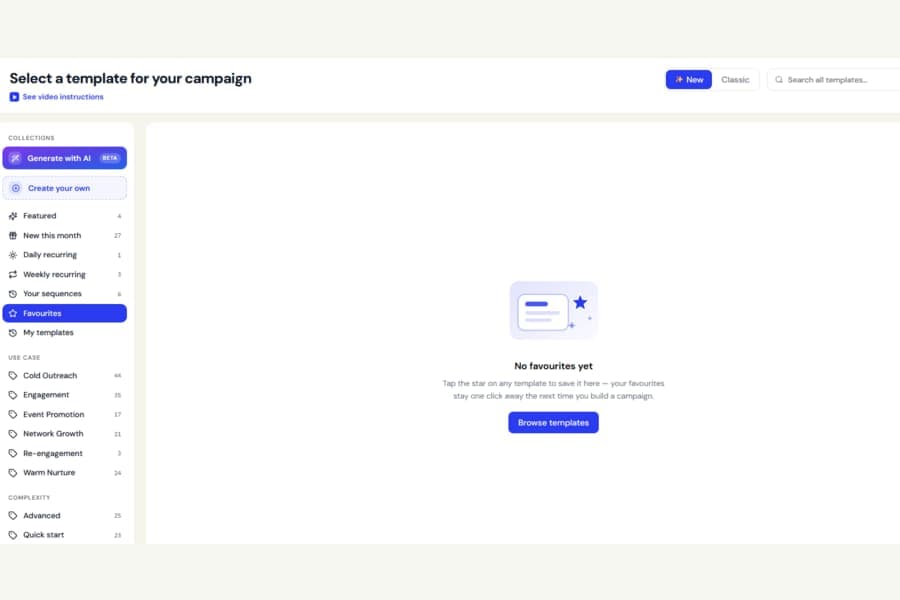
Browsing templates for a new campaign is now easier.
Previously, the template gallery showed everything in one fixed order, with no way to sort the list or focus only on the templates you had saved.
Now, when choosing a template, you can:
- Sort by Most popular, Top rated, or Newest
- Turn on Favourites only to see just the templates you have saved
These options work alongside the existing search and category filters.
The gallery updates instantly whenever you change a filter or sorting option. Favouriting or upvoting a template also appears in the gallery right away.