Team Campaigns: Run One Campaign From Several LinkedIn Accounts
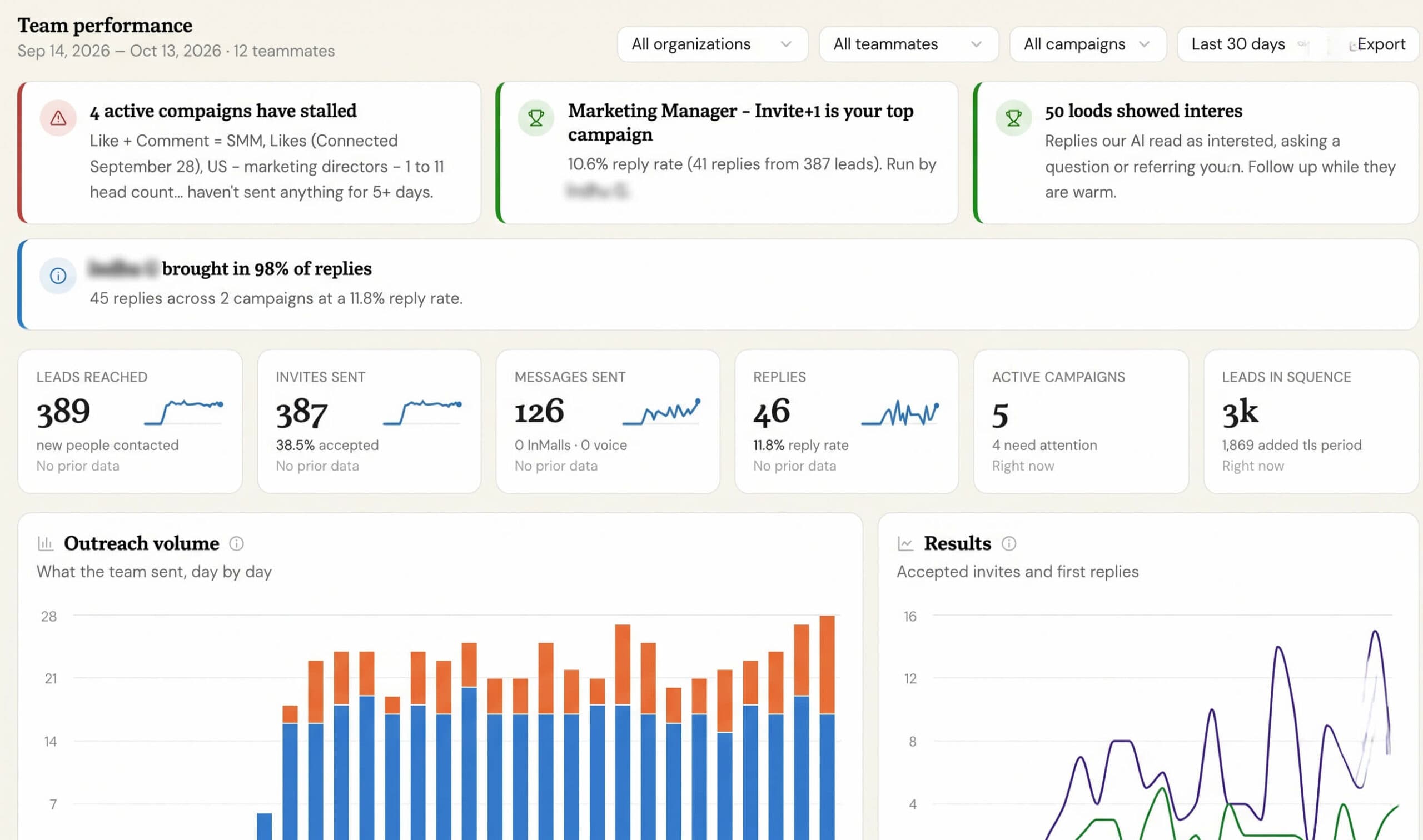
You can now run a single campaign across several teammates’ LinkedIn accounts at the same time.
This makes it much easier to reach a large list faster without creating separate campaigns for each sender.
What problem this solves
Previously, every campaign sent from one LinkedIn account.
That meant LinkedIn’s daily limits determined how quickly the campaign could move. A list with a few thousand people could take weeks, even when other teammates had available sending capacity.
The workaround was to split the list into separate campaigns manually, copy the same sequence several times, keep each copy updated, and compare results across different reports.
Team campaigns remove that extra work.
Choose Regular or Team when you launch
Team owners and admins now see a new Campaign type step before launch.
Choose:
- Regular campaign to send from your own LinkedIn account
- Team campaign to send across multiple teammates
For a Team campaign, simply select the teammates whose accounts should send. They are grouped by organization to make selection easier.
The launch screen clearly confirms the campaign type and which teammates will be sending.
You can also convert an existing campaign from its … > Team campaign menu.
Botdog shares the leads automatically
Botdog distributes leads across your selected senders as each account has available capacity.
Each lead is assigned to one teammate only.
That same teammate keeps the full conversation, so a prospect will never have different people from your team contacting them from the same campaign.
Everyone keeps their own sending limits
Using a Team campaign does not increase anyone’s personal LinkedIn activity beyond their existing limits.
Each sender still follows:
- Their own daily limits
- Their normal sending schedule
- Their other active campaigns
Replies go to the right teammate
When someone replies, the conversation appears in the inbox of the teammate who originally contacted them.
Botdog also links that reply back to the correct lead and campaign automatically.
Personalise messages with the sender’s name
Three new variables are now available:
- Sender first name
- Sender last name
- Sender full name
These automatically use the name of whichever teammate sends that particular message.
For example, a sign-off such as:
Best, {{senderFirstName}}
will always use the correct sender’s name.
See performance by sender
Campaign Insights now includes a new Senders section.
For each teammate, you can see:
- Leads assigned
- Invitations sent
- Connections accepted
- Messages sent
- Replies received
This makes it easy to understand how the campaign is performing across the team.
Teammates stay in control
A new Settings > Team campaigns page shows every Team campaign running across your team.
Teammates can:
- Opt in or out of individual Team campaigns
- See Team campaigns even before they have been added as a sender
- Disable Team campaigns for their account completely, preventing admins from adding them
Good to know
Only team owners and admins can create a Team campaign.
A team can have one active Team campaign at a time.
If a teammate opts out, leaves the team, or loses their seat:
- Leads they have not contacted yet are reassigned to other available senders
- Leads they have already contacted stay with them
This keeps active conversations with the person who started them.
Botdog also checks both your own blacklist and the sending teammate’s blacklist before outreach.
If you keep using a Regular campaign, nothing changes. It continues working exactly as before.