Adjust Your Seat Count When Resuming A Subscription
The Resume your subscription dialog now lets you set how many seats you want to resume on. This way you’re not stuck coming back at your old count and then making a separate trip to the billing page.
Use the − and + controls to change the seat count; the monthly total updates as you go. We pre-fill it to what you had before pausing, or bump it up to your current team size if it grew while you were paused, so the dialog always opens in a valid state.
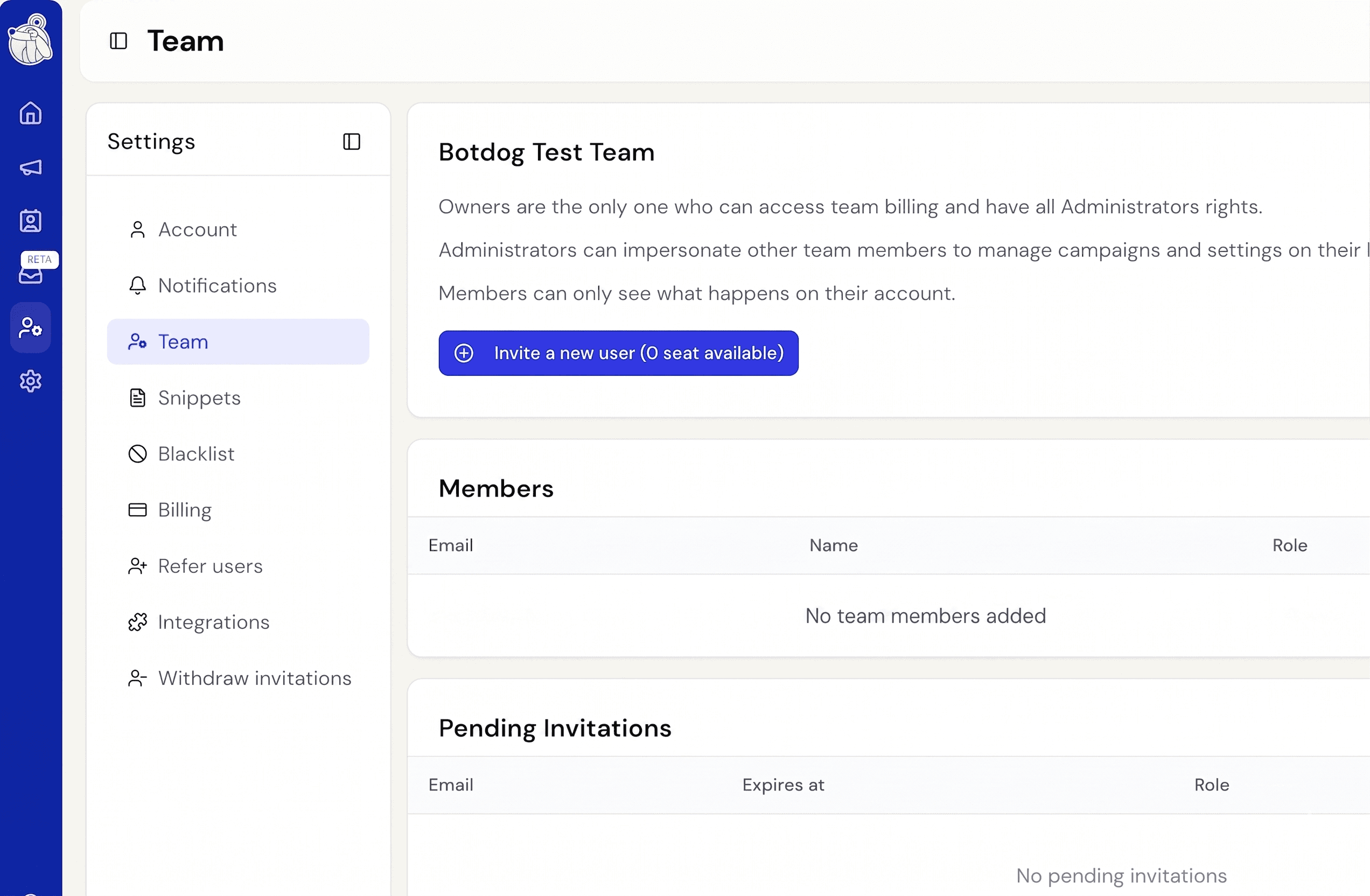
You can’t go below your current team size (including pending invites). If you need fewer seats than that, remove the team member from the Team page first, then come back and reduce.
Seat changes here work the same as anywhere else in Botdog. And then Stripe handles proration on your next invoice. This only applies to per-seat plans; flat-rate plans aren’t affected.