October 22, 2026
See and Control the AI Assistants Connected to Botdog
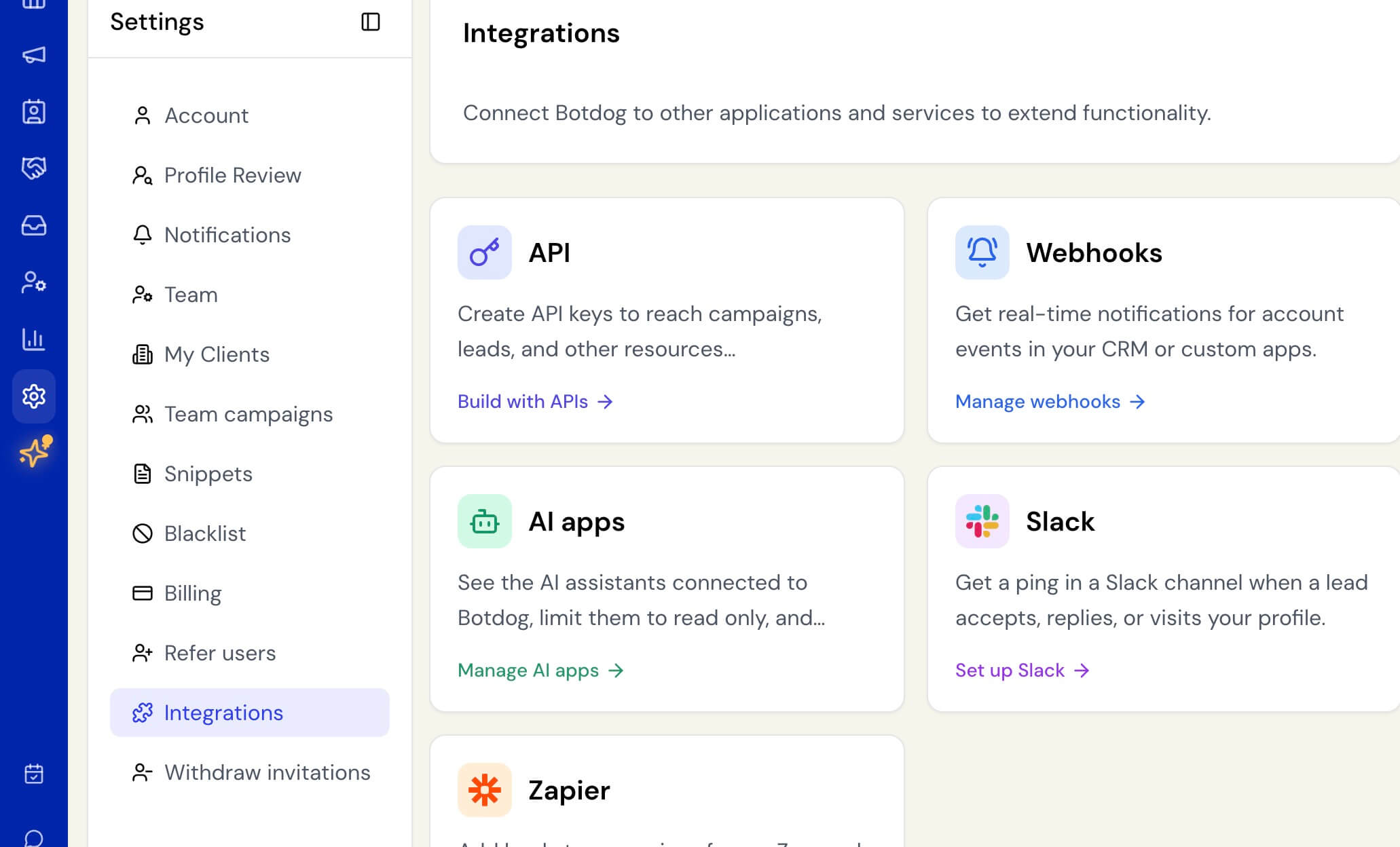
You can now see and manage every AI assistant, such as Claude, ChatGPT or Cursor, that you or your teammates have connected to Botdog. Just go to Settings > Integrations > AI apps.
Previously, once an assistant was connected, Botdog had no way to show it or switch it off. You had to remove it from the assistant itself or contact us. Each person also chose their own access level, so a team couldn’t set a “look, but don’t touch” rule, and there was nowhere to see what a connected assistant had actually done.
Now you can:
- Set the whole team to read only. Owners and admins can limit every connected assistant to reading campaigns, contacts and stats, with no creating, changing, pausing or deleting. This applies straight away to assistants that are already connected, with no reconnecting needed. Turn it off and they can make changes again.
- See and disconnect assistants. Each connected assistant is listed with who connected it, whether it can make changes, and when it was last active. Disconnecting stops it immediately. Owners and admins see the whole team, and everyone else sees and can disconnect their own.
- Review activity history. Every action an assistant takes is listed with the time, the person, the assistant, what it did, whether it worked, and where the request came from. Connecting, disconnecting and changes to the read-only setting are listed too. Botdog records which action was used, never the details sent with it.
A few things to know:
- While the team is set to read only, the connection screen for a new assistant won’t offer the option to make changes.
- Members only see activity from their own assistants. Owners and admins see everyone’s.
- If someone makes a change while signed in on your behalf, such as our support team, the history shows that too.
If you haven’t connected an AI assistant to Botdog, nothing changes for you.